Duolingo has evolved significantly over the years, but not all changes have been met with enthusiasm, especially among free users. Once celebrated for its engaging gamification, the platform has recently introduced features that some users find frustrating. However, a simple hack can help revert to a more enjoyable experience.
Understanding the Current Duolingo Experience
As a free user of Duolingo, you may have noticed the increased presence of ads and the introduction of an energy system that restricts your learning sessions. This energy bar runs down even when you answer questions correctly, making it challenging to continue practicing. The heart system, which allowed users to make mistakes and still learn, has been replaced, leaving many feeling restricted and annoyed.
Introducing the Web App Hack
A recent Reddit post by user OverallPlatypus9880 shared a useful trick for accessing a more simplified version of Duolingo through a web app. This method promises to bring back the heart system, eliminate ads, and streamline the learning process. Setting up the web app is remarkably easy and can be done on most devices.
How to Set Up the Duolingo Web App
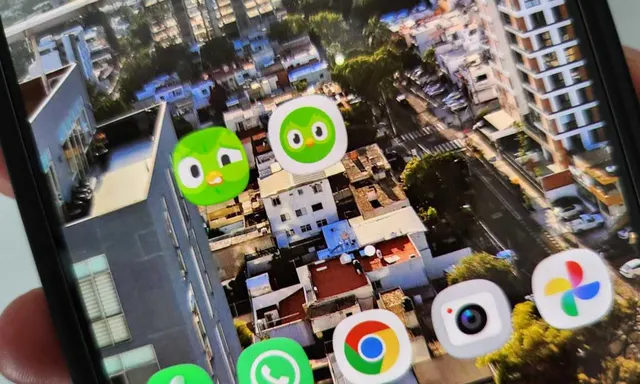
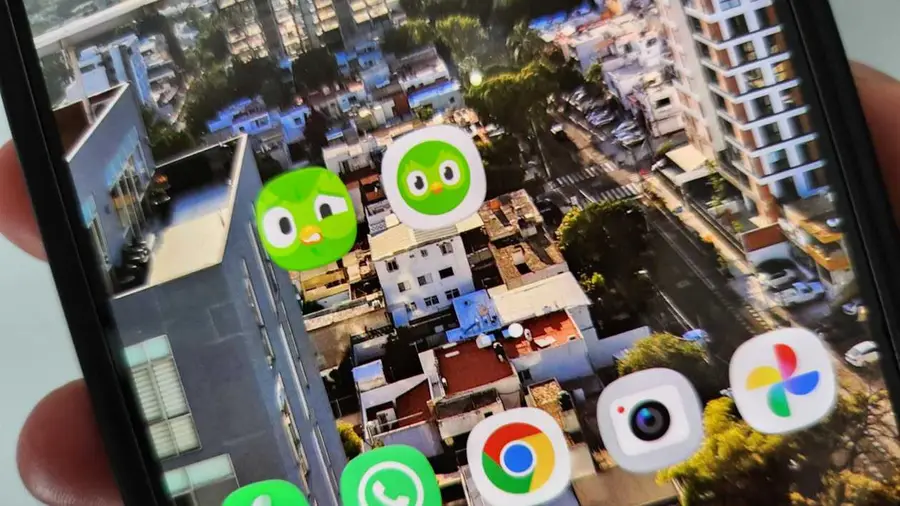
To create the web app on your Android device, open Chrome and navigate to Duolingo.com. Log into your account, tap the three-dot menu in the top-right corner, and select 'Install' to create a shortcut. Once installed, you’ll find a dedicated Duolingo icon on your home screen that will open the web app in its own window, providing a more app-like experience.
Benefits of Using the Web App
One of the most significant advantages of the web app is the return of the heart system. This system allows you to continue practicing until you make a set number of mistakes, making the learning experience less frustrating. Additionally, the absence of ads means you can focus entirely on your lessons without interruptions. Free users will find these changes particularly beneficial, as they enhance the overall learning experience.
While premium users may appreciate a less gamified interface, free users will notice the most substantial improvements. The web app version resembles an earlier iteration of Duolingo, which many users believe was more effective for language learning. You can expect fewer distractions and a more straightforward approach to practicing your language skills.
However, it's important to note that some features from the newer app versions are absent in the web app. For instance, the explanations provided after each question are no longer available, and the experience is more focused on learning rather than accumulating XP points. This may not concern everyone, especially those prioritizing language acquisition over competition.
Final Thoughts
While the web app offers a nostalgic return to a simpler Duolingo, some trade-offs exist. The interface may feel a bit clunkier, and you might encounter prompts to switch back to the standard app version, which can be slightly annoying. Nevertheless, for users fed up with the recent changes, this hack may provide a refreshing alternative.
In conclusion, if you're looking to improve your Duolingo experience without the distractions of ads and energy limits, the web app trick is worth trying. It offers a chance to revert to a more user-friendly and effective learning environment.
Source: https://www.androidauthority.com/duolingo-web-app-trick-3711603/