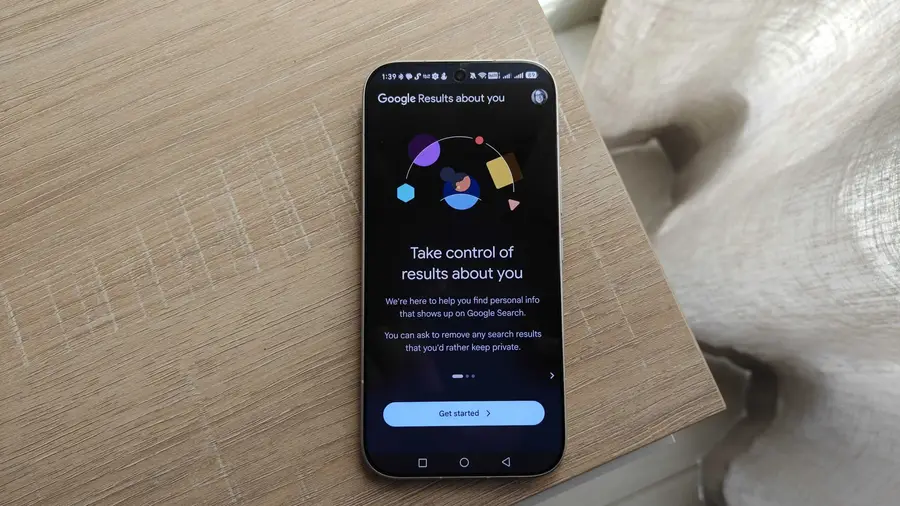
In today's digital age, maintaining privacy online is a challenge many face. While Google has been criticized for its handling of personal data, it also provides tools that can help users safeguard their information. One such feature is the Results About You tool, which I recently discovered after years of neglecting it.
Understanding the Results About You Feature
The Results About You feature allows Google to monitor whether your personal information appears in search results. This includes sensitive data like your phone number, email address, and home address. Additionally, Google has rolled out the option to scan for ID and Social Security numbers, although this may vary depending on your location.
How to Set Up the Feature
Enabling the Results About You feature is straightforward. On your Android device, open the Google app, tap your profile icon, and select 'Results about you'. Alternatively, you can access it via the dedicated website. You'll need to provide Google with the personal information you wish to monitor, which they claim is encrypted and used solely for monitoring purposes.
To get started, click on 'Get started' and enter your name. You can also provide a nickname that may be used when people search for you. After this, fill in the specific details you want monitored, such as your home address and contact numbers. You can add multiple entries for each type of information. Once completed, review your entries and choose your preferred notification methods.
Monitoring and Notifications
After saving your settings, Google will perform its first scan within six hours. In my case, no results were found initially, but the tool will continue to monitor periodically. If it detects any of your personal data appearing in search results, you will receive a notification, allowing you to request removal of the link.
Complementary Privacy Tools
While the Results About You feature adds an extra layer of security, it's not the only tool I rely on. Google's Password Manager includes dark web monitoring, which alerts you if any of your account details are found on illicit sites. This has proven invaluable, especially when I had to change passwords for numerous accounts after an old password was compromised.
Moreover, I utilize services like HaveIBeenPwned to stay informed about breaches affecting my email accounts. Although it missed a recent incident involving a local app, it reinforced the necessity of using multiple tools to monitor personal data security.
Conclusion
In a world where data privacy is paramount, utilizing tools like the Results About You feature can significantly enhance your online security. If you haven't activated it yet, I urge you to do so to protect your personal information more effectively.
Source: https://www.androidauthority.com/google-results-about-you-how-use-3714790/