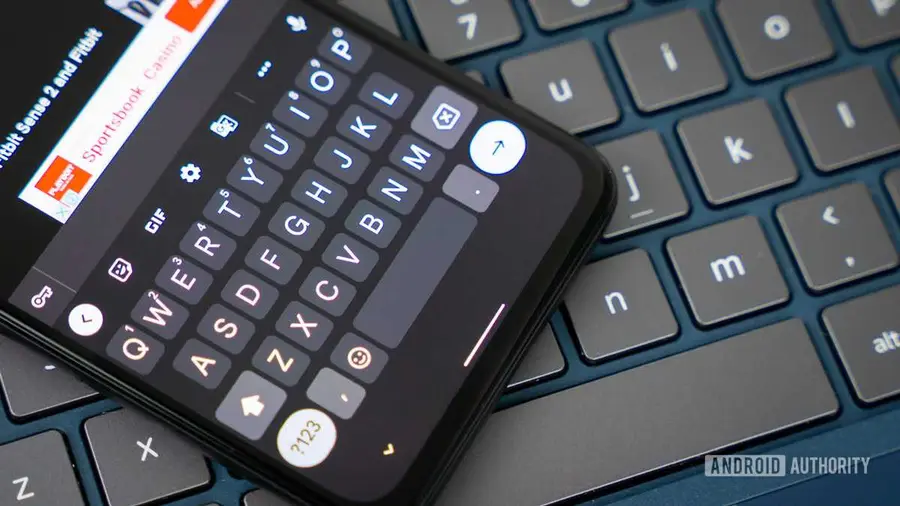
In a recent update, Gboard has introduced a new feature that allows users to adjust the size of emojis directly from the keyboard. This development comes as a part of the latest beta version (v18.0.3.9) and aims to enhance the user experience for those who may struggle with visibility.
What is the Emoji Slider?
The emoji slider is a simple yet effective tool that enables users to change the size of the emojis displayed when tapping the emoji icon. With this new feature, you can easily adjust the emoji size to suit your preferences or needs.
How It Works
Upon activating the emoji slider, users will notice that the number of emojis visible in a single row changes depending on the size selected. For instance, if you opt for the largest emoji size, only five emojis will fit in one row. Conversely, selecting the smallest size allows for nine emojis to be displayed simultaneously, making it easier to browse through options.
Benefits for Users
This feature is particularly beneficial for individuals with visual impairments. By increasing the size of emojis, users can more easily identify and select the right ones, improving overall usability and accessibility of the keyboard.
Additional Gboard Features
The emoji slider is not the only exciting feature recently discovered in Gboard. Users have also reported the introduction of a clipboard duration slider, which allows for better management of copied text, as well as a quick-insert option for faster access to frequently used phrases. Moreover, improvements have been made to the way suggestions are dismissed, streamlining the typing experience.
The rollout of the emoji slider is currently in progress, with some users on devices like the OPPO Reno 16 Pro and OnePlus 13R already able to access it. As Gboard continues to evolve, users can look forward to more enhancements aimed at improving functionality and accessibility.
Source: https://www.androidauthority.com/gboard-emoji-slider-rollout-3700850/