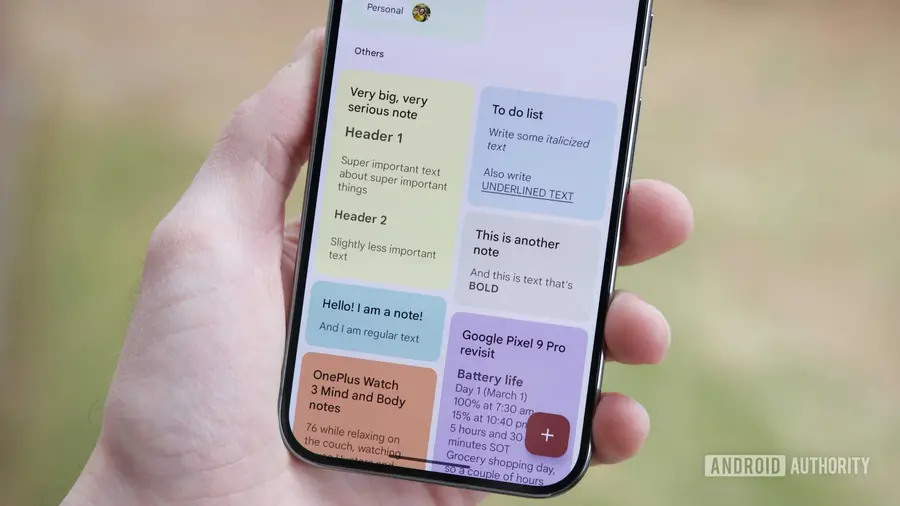
Google Keep, the popular note-taking application, is undergoing some significant user interface changes in its upcoming update. As we explored app version 5.26.301.00.90, we discovered various modifications that could alter the way users interact with the app.
Overview of the Changes
The updates primarily focus on the toolbar located at the bottom of the app. Currently, users can find an Add button, a Background options button, and formatting controls. However, Google is set to revamp this interface, which may evoke mixed reactions from its user base.
New Features of the Add Button
One of the most noticeable improvements is the redesign of the Add button, which will now be larger and consistently displayed in blue. This change aims to enhance visibility and reduce the chances of mistakenly tapping the wrong button. The permanent color scheme will help ensure that users can easily identify the Add button, regardless of the app’s background.
Relocation of Background Options
Another key alteration involves the Background options button, which has been removed from its original position. Instead of being a standalone button, it has transitioned into a checkbox option within the Add menu. Users will still have access to background settings, but they will need to tap the Add button to find them. This change could take some getting used to for those familiar with the previous layout.
Additional Options in the Menu
Alongside the relocation of the Background options, the new UI introduces several additional features in the Add menu. Users can now quickly access Reminder, Labels, and Collaborator options directly from this menu. While these updates are designed to streamline functionality, they may also require users to adjust to a new workflow.
As Google continues to refine the Keep app, further changes may be on the horizon. The community will have to wait for future updates to see how these modifications impact overall user experience.
In summary, while some users may appreciate the fresh look and added features, others might find the changes a bit jarring as they adapt to the new interface. Only time will tell how these updates are received by the loyal Keep community.
Source: https://www.androidauthority.com/google-keep-app-button-changes-3693371/