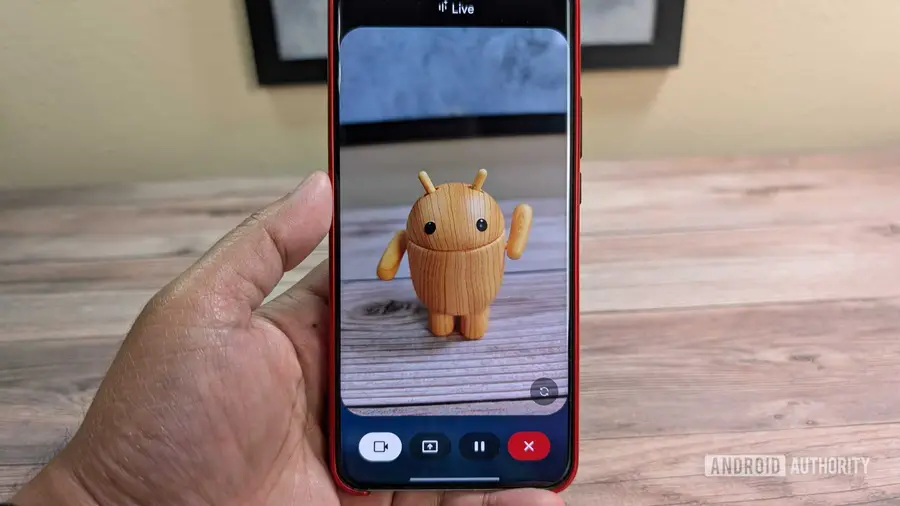
Google's Gemini has been making strides in assisting users with visual impairments through its Guided Vision feature, which utilizes the smartphone's camera to identify and describe objects in the user's environment. However, accessing this feature quickly has posed challenges due to the multiple steps required to navigate through the app. Fortunately, Google is addressing this issue with a new accessibility shortcut that promises to streamline the process.
Current Access Challenges
As it stands, users need to go through several steps to activate Guided Vision: open the Gemini app, select Gemini Live, and then switch to Camera mode. This multi-step process can be cumbersome, particularly for those who require immediate assistance. The complexity of accessing such a helpful tool can be frustrating, especially for individuals with limited vision.
Upcoming Accessibility Shortcut
Google is reportedly developing a shortcut that would allow users to jump directly into Camera mode without the extensive navigation. This shortcut is designed to enhance the accessibility of Guided Vision, making it easier for users to get the help they need in a timely manner. Early indications show that this shortcut will be integrated into Android’s accessibility settings, providing a more intuitive way to access the feature.
How the Shortcut Will Work
Once activated, users can expect to see a small Gemini icon on their device's screen, which can be repositioned according to personal preference. Furthermore, users will have the option to trigger the Guided Vision feature by pressing and holding both volume buttons. This functionality means that those who need quick access won't have to navigate through various menus, significantly improving the user experience.
What to Expect from Future Updates
As of now, the Guided Vision shortcut is still in development and has not yet been made available to users. Screenshots of the anticipated feature indicate a user-friendly interface, but testing has shown that the shortcut is not currently operational. Once released, tapping the shortcut will bring users directly into Camera mode, allowing them to utilize Gemini's capabilities such as reading text, translating labels, and identifying objects seamlessly.
This enhancement could greatly benefit many users, particularly those with visual impairments, by providing immediate access to vital information and support. Google’s commitment to improving accessibility features continues to evolve, reflecting the company's dedication to inclusivity in technology.
Source: https://www.androidauthority.com/google-gemini-guided-vision-accessibility-shortcut-3700535/