In an effort to enhance my household management, I embarked on a journey a few months ago. While I was adept at handling basic chores, I needed a more structured approach to track our family calendar, goals, and even our household inventory. I also wanted the ability to personalize the experience to cater to my family's unique needs.
Exploring Existing Household Management Apps
I experimented with several household management applications, including Cozi Family Organizer, OurHome, and Sweepy. Each app had its merits, but I discovered that none fully met my requirements. For instance, Sweepy offered a customizable chore list but lacked a household inventory feature. Cozi had a good shopping list system but required manual task additions, which was not ideal for my needs.
The Decision to Create My Own Solution
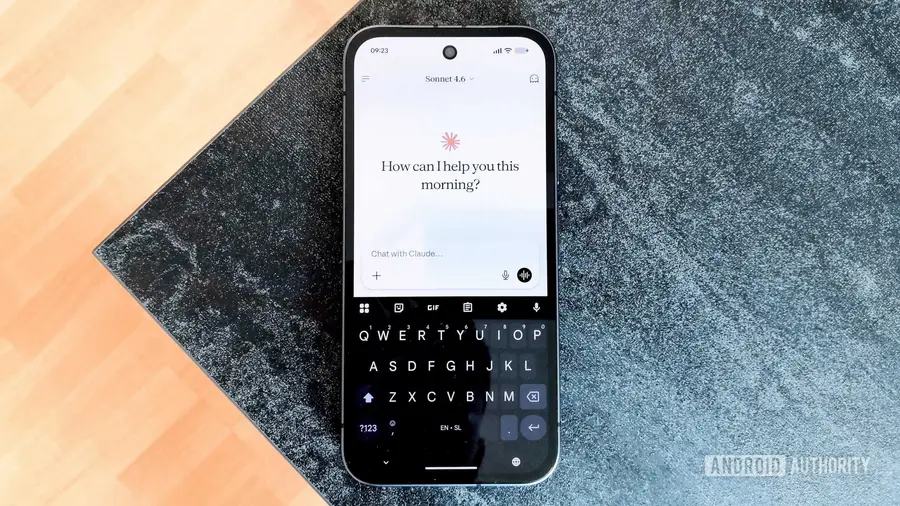
After realizing that most of the features I wanted existed in various apps but not in one cohesive solution, I decided to create my own. The idea was to merge the best aspects of each app into a single tool. Using AI tools like Claude, I began to explore what I could build and the challenges I might face.
Transitioning to a Progressive Web App
Initially, my plan was to develop a proper Android application using Claude Code. I started by outlining my desired features in a Google Sheet but quickly learned that this would be a lengthy process. Claude could assist in coding but couldn't generate an app independently. This led me to pivot towards creating a progressive web app (PWA)—a simpler and more user-friendly method for rapid development.
Building and Iterating on My Custom App
As I began developing the PWA, I faced new challenges, such as hosting the app files for proper recognition by Chrome. Using platforms like GitHub simplified this process. Although the initial version lacked many features, each iteration brought me closer to my vision. I even managed to integrate Google Calendar and started using Firebase for smoother cross-device syncing.
Working with Claude not only improved my app-building skills but also enhanced my understanding of coding and development tools. Despite the limitations of PWAs—such as a less polished UI compared to native applications—the experience was invaluable.
Lessons Learned and Future Plans
After several months of development, I am now prepared for a complete rewrite of my app. I have begun using Claude Code and Android Studio to create a native app with improved features and web-based syncing capabilities. While my journey may have started with PWAs, it has paved the way for more complex projects.
Ultimately, I believe that starting with a PWA was beneficial; it provided a solid foundation for learning. For anyone facing a unique problem and unsure where to begin, leveraging AI tools to create a PWA can be a rewarding first step. This process not only teaches valuable skills but may also ignite a passion for deeper exploration in app development.
Source: https://www.androidauthority.com/custom-household-management-3691965/