The Importance of Updating Apps on Your Samsung Phone
In today's digital era, keeping the apps on your phone up to date is very important. Especially for Samsung phone users, there are some Google services that may require special attention. In this article, we will discuss how to update important Google apps on your Samsung phone.
How to Update Apps on a Samsung Phone
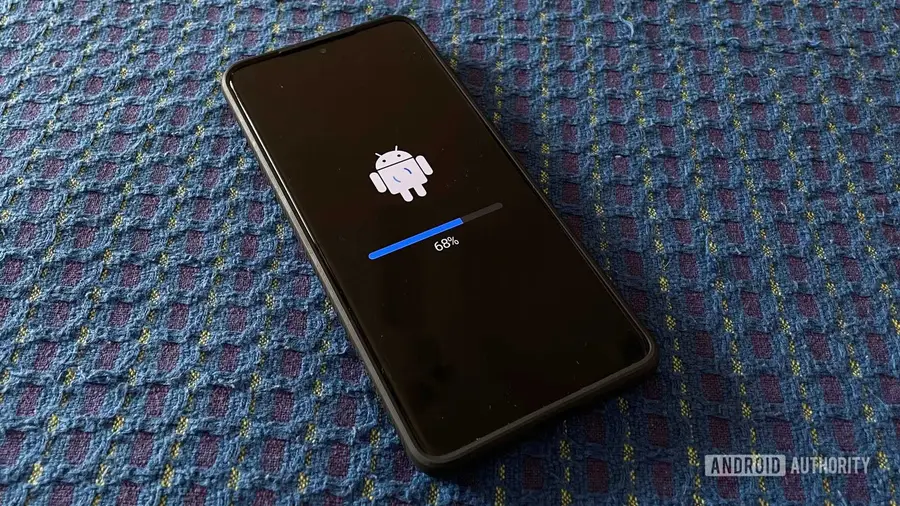
To update apps on your Samsung device, the first step is to open the Google Play Store. Then, go to the "Manage apps & device" section. Here, you will find options to manually update apps by pressing the "Update" or "Update all" buttons. However, some Google apps will not appear on this page and require manual updates.
Which Apps Need to Be Updated Manually?
Recently, Google has released updates for several important apps that need attention, including:
- Android System SafetyCore (version 1.0.925574157)
- Android System WebView (version 149.0.7827.91)
- Google Play Services (version 26.22.33)
Although there are no official change logs for these updates, typically such app updates include bug fixes, performance improvements, security enhancements, and sometimes new features.
Steps to Manually Update Apps
Since these apps will not appear on the "Manage apps & device" page, you need to update them manually. Here are the steps you can follow:
- Open the "Settings" menu on your phone.
- Select the "Apps" section.
- Find and open each of the three apps mentioned above.
- Click "App details in store" to be directed to the Play Store page for each app.
- From that page, you can update the app as desired.
Why Are App Updates Important?
Regularly updating apps is a recommended practice to keep your phone’s performance optimal. Updates not only fix existing bugs but also add new features and improve your device’s security. By keeping apps up to date, you also ensure that all features and functions work properly, resulting in a better user experience.
Information about these updates is currently known to be available for users of One UI 8.5 and One UI 9 in India. However, it is still unclear whether these updates will be available in other markets. Therefore, it is highly recommended to periodically check if updates are available on your phone.
So, make sure you don’t miss these important updates to keep your Samsung phone running smoothly and securely. Take a moment to update, and enjoy your device with improved performance.
Source: https://www.androidauthority.com/samsung-phones-google-app-updates-3679566/