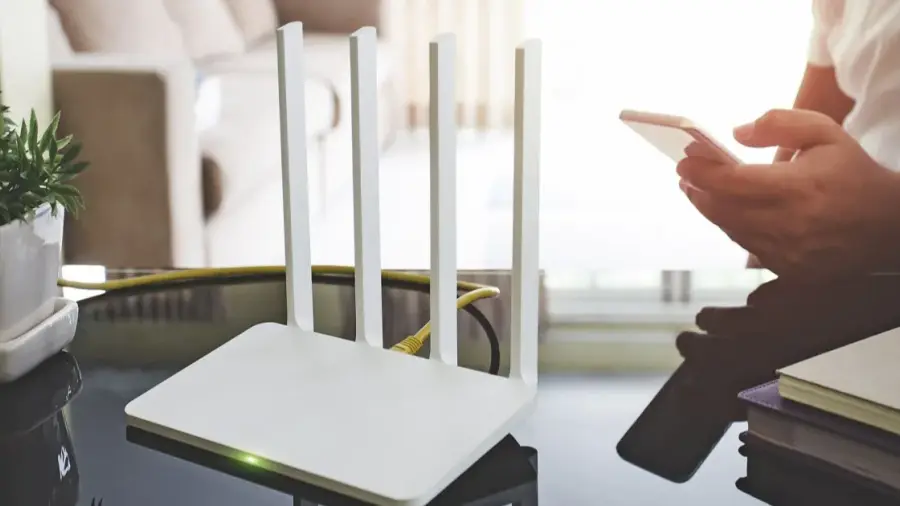
Extreme heat can affect not only our comfort but also the performance of our home internet connection. High temperatures can cause routers to overheat and potentially fail. This is a common issue during heat waves, and many users mistakenly blame their internet service provider when the real problem may be related to poor router placement and maintenance.
Importance of Router Placement
According to broadband expert Max Beckett from Uswitch, the placement of your router is crucial during hot weather. It's advisable to avoid putting your router near windows or in direct sunlight, as this can lead to overheating. Instead, position your router in a cooler, more centralized location within your home to ensure optimal signal distribution.
Avoid Hiding Your Router
Some users opt to hide their routers in cabinets, behind sofas, or on carpeted floors for aesthetic reasons. However, this can restrict airflow, which is vital for the router's cooling. Beckett emphasizes that routers need proper ventilation to function efficiently. Ensure that the area around your router is clear and free from obstructions.
Keep Your Router Away from Heat Sources
It's essential to avoid placing your router near other electronic devices that generate heat, such as gaming consoles or televisions. When routers are clustered with these devices, they can trap heat, leading to performance issues. Beckett advises maintaining a safe distance between your router and any heat-producing electronics.
Managing Router Restarts
When your Wi-Fi connection drops, the instinct might be to reset the router immediately. However, repeatedly turning the router on and off can exacerbate the problem, especially if the device is already hot. Beckett recommends that if your router is too hot to touch, turn it off and let it cool down for about 15 minutes before restarting. This can help in managing connection issues more effectively.
Limit Heavy Usage
During hot weather, your router's processor may slow down to protect itself from overheating. Engaging in heavy activities like downloading large files or streaming high-definition content can further strain the device. Beckett suggests disconnecting devices that are not in use and postponing large downloads to give your router a break.
If you've tried these tips and still experience frequent disconnections, it may be a sign that your older router is struggling under current demands. Beckett recommends conducting a broadband speed test to assess performance. If your router is outdated, consider contacting your provider for potential upgrades to meet modern household needs.
Source: https://telset.id/how-to/5-kesalahan-letak-router-saat-cuaca-panas-dan-cara-memperbaikinya