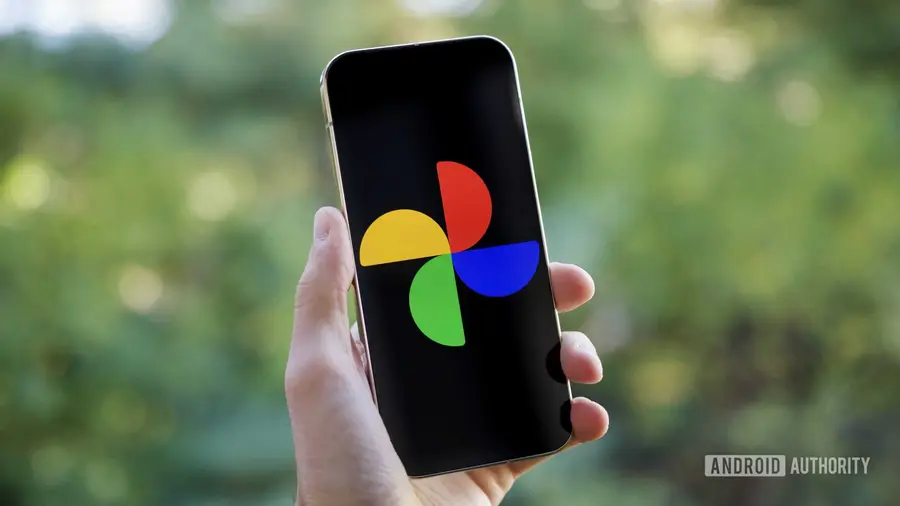
Google Photos telah lama menyediakan fitur yang memungkinkan pengguna untuk mengekspor frame dari video sebagai foto. Namun, fitur ini sering kali sulit ditemukan dan digunakan, sehingga banyak orang lebih memilih untuk mengambil screenshot dari video mereka. Kini, kabar baiknya, Google sedang mengembangkan cara yang lebih mudah untuk menggunakan fitur ini.
Fitur Baru yang Memudahkan Pengguna
Dalam versi terbaru Google Photos (v7.83.0.943371825), ditemukan metode baru yang lebih sederhana untuk mengekspor frame video. Dengan beberapa percobaan, kami berhasil mengaktifkan fitur ini dan menemukan bahwa pengalaman yang ditawarkan jauh lebih baik daripada yang ada saat ini.
Cara Menggunakan Fitur Ekspor Frame
Saat ini, untuk mengekspor frame video di Google Photos, pengguna harus mengikuti beberapa langkah: buka video, tekan tombol “Edit”, gulir seek bar ke frame yang ingin diekspor, lalu ketuk ikon kamera di samping timestamp untuk mengungkap opsi “Export Frame”. Namun, dengan metode baru ini, pengguna tidak perlu lagi masuk ke mode edit. Cukup dengan menjeda video, aplikasi Photos akan menampilkan opsi baru “Save as photo”.
Keuntungan dari Metode Baru
Metode baru ini tidak hanya lebih mudah diakses, tetapi istilah “Save as photo” juga lebih mudah dipahami oleh pengguna. Dengan cara ini, pengguna bisa menghemat banyak waktu saat mengekspor frame dari video mereka.
Perbandingan dengan Fitur Apple
Apple juga telah memperkenalkan fitur serupa dalam aplikasi Photos mereka dengan iOS 27. Namun, dalam implementasi Apple, pengguna masih harus mengetuk ikon menu tiga titik sebelum dapat mengekspor frame video sebagai gambar. Sementara itu, implementasi yang akan datang dari Google Photos jauh lebih sederhana.
Penting untuk dicatat bahwa meskipun opsi baru “Save as photo” sudah berfungsi sesuai harapan, Google belum mulai meluncurkan fitur ini secara resmi. Kami akan terus memperbarui informasi terbaru tentang fitur ini saat tersedia.
Sumber: https://www.androidauthority.com/google-photos-save-video-frame-photo-apk-teardown-3686254/