
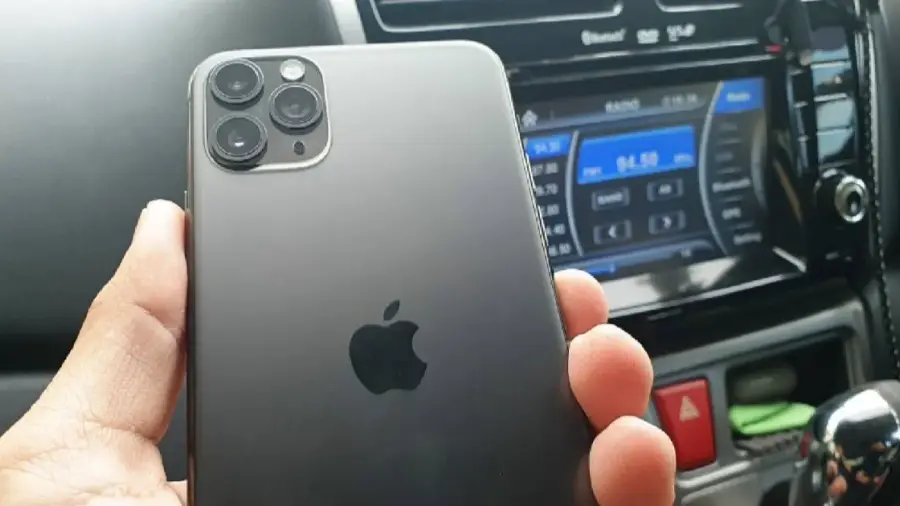
Ponsel lama yang tergeletak di laci bisa dimanfaatkan dengan cara yang cerdas. Alih-alih dibiarkan mengumpulkan debu, Anda bisa mengubahnya menjadi dashcam yang fungsional secara gratis. Proses ini sangat mudah dan tidak memerlukan biaya tambahan jika Anda sudah memiliki dudukan dan pengisi daya mobil.
Mengapa Menggunakan Ponsel Lama sebagai Dashcam?
Dashcam adalah perangkat yang sangat berguna untuk merekam perjalanan Anda. Dengan memanfaatkan ponsel lama, Anda bisa mendapatkan sistem perekaman yang mampu bersaing dengan dashcam murah di pasaran. Ponsel yang diubah menjadi dashcam ini mendukung perekaman loop, stempel waktu GPS, dan menghasilkan rekaman yang ideal untuk klaim asuransi atau sekadar menyimpan kenangan perjalanan.
Persiapan Sebelum Memulai
Sebelum Anda mulai, ada beberapa hal yang perlu disiapkan:
- Ponsel lama
- Aplikasi dashcam gratis seperti Droid Dashcam atau Smart Dash Cam
- Kabel pengisi daya
- Pengisi daya mobil
- Dudukan ponsel untuk kaca depan atau dasbor
Jika Anda sudah memiliki semua aksesori tersebut, proses pengaturan bisa dilakukan tanpa biaya tambahan.
Langkah-langkah Mengatur Ponsel sebagai Dashcam
Langkah pertama adalah memastikan ponsel yang Anda gunakan memiliki kapasitas penyimpanan minimal 32GB untuk menyimpan banyak rekaman video. Untuk memulai, hapus semua data di ponsel hingga bersih. Di Android, Anda bisa menggunakan kolom pencarian di pengaturan dan mengetik “Factory Reset.” Sementara di iPhone, masuk ke Pengaturan, lalu pilih Umum, Atur Ulang, dan Hapus Semua Konten dan Pengaturan.
Setelah ponsel diatur ulang, siapkan ponsel tanpa menambahkan aplikasi yang tidak perlu. Matikan semua notifikasi agar ponsel tetap tenang saat merekam. Selanjutnya, instal aplikasi dashcam dari toko aplikasi ponsel Anda. Droid Dashcam tersedia untuk Android, sedangkan Smart Dash Cam cocok untuk iPhone. Kedua aplikasi ini gratis dan mendukung perekaman loop, GPS, stempel waktu, serta deteksi benturan.
Pengaturan Aplikasi dan Pemasangan
Setelah aplikasi terinstal, berikan izin untuk akses kamera, mikrofon, lokasi, dan penyimpanan. Atur kualitas video menjadi 1080p untuk menghemat ruang penyimpanan dan mencegah ponsel terlalu panas saat merekam dalam waktu lama. Aktifkan fitur perekaman loop agar klip lama terhapus secara otomatis saat penyimpanan penuh, sehingga perekaman bisa berlangsung terus-menerus.
Pilih pengaturan agar klip disimpan dalam potongan 5 menit agar lebih mudah dibagikan jika diperlukan. Anda juga bisa menyesuaikan tampilan di layar untuk menunjukkan kecepatan, peta, plat nomor kendaraan, atau informasi lain yang Anda inginkan.
Pasang dudukan ponsel di bagian atas kaca depan dekat kaca spion tengah agar mendapatkan pandangan jalan yang optimal. Arahkan kamera sedikit ke bawah untuk menangkap kap mesin, jalan, lampu lalu lintas, dan jalur di depan. Setelah semuanya siap, tekan tombol kamera untuk mulai merekam.
Menjaga Daya Baterai dan Menguji Pengaturan
Pastikan ponsel tetap terhubung ke pengisi daya selama pengoperasian. Perekaman video, penggunaan GPS, dan aktivitas layar dapat menguras baterai dengan cepat. Anda bisa melakukan pengujian dengan merekam klip pendek di halaman rumah untuk memastikan semua pengaturan sudah optimal. Periksa apakah cakrawala sudah rata dan dudukan tidak bergetar saat merekam.
Dengan mengikuti langkah-langkah di atas, ponsel lama Anda siap digunakan sebagai dashcam yang fungsional. Nikmati perjalanan Anda dengan lebih aman dan nyaman!
Sumber: https://telset.id/how-to/ubah-ponsel-lama-jadi-dashcam-gratis-begini-caranya