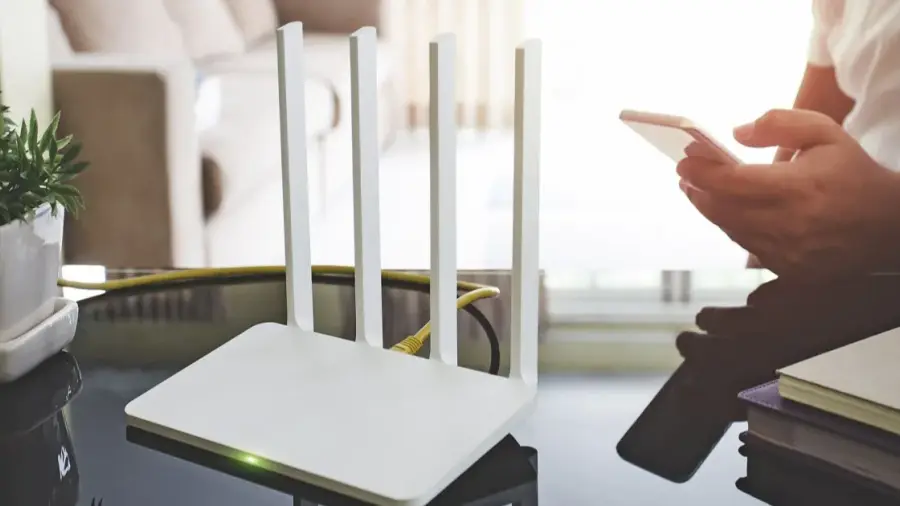
During extreme heat, the performance of your internet connection can suffer, often due to improper router placement. High temperatures can stress your router, leading to slow speeds or complete shutdowns. Understanding the common mistakes people make and how to fix them can help maintain a stable internet connection.
1. Avoid Placing the Router Near Windows
While it may seem convenient to position your router near a window for better signal strength, this can be detrimental during hot weather. Direct sunlight can cause the router to heat up quickly, similar to a greenhouse effect. Instead, find a cooler, shaded area in your home to place your router, ideally in the center of your house for optimal signal distribution.
2. Don't Hide Your Router
Many users tend to conceal their routers for aesthetic reasons, placing them in cabinets or behind furniture. However, routers require proper airflow to function efficiently, especially in high temperatures. Keeping your router in an enclosed space can trap heat, leading to performance issues. Ensure that there is ample space around your router for air circulation.
3. Keep the Router Away from Other Electronics
Routers generate heat on their own, and placing them near other heat-producing devices like TVs or gaming consoles can exacerbate the problem. This can create a localized heat zone that may damage the router's internal components. Make sure to keep your router at a safe distance from other electronic devices to prevent overheating.
4. Be Cautious with Restarting
When your Wi-Fi goes down, it’s common to unplug your router and plug it back in after a short wait. However, repeatedly restarting an overheated router can worsen connectivity issues. If your router feels too hot to touch, turn it off and let it cool for at least 15 minutes before turning it back on. This allows it to reset without compromising its performance.
5. Manage Your Network Load
During hot weather, your router may slow down its processing speed to protect itself. Downloading large files or streaming high-definition videos can put additional strain on the router. To alleviate this, disconnect devices that are not in use and try to postpone large downloads or updates. This gives your router a break and helps maintain its performance.
If you’ve tried these tips and your internet connection remains unstable, it might be time to consider your router’s age and capabilities. Older routers may struggle to meet the demands of modern households. Running a speed test can help you gauge your router's performance, and contacting your internet service provider may reveal options for an upgrade.
Source: https://telset.id/how-to/5-kesalahan-letak-router-saat-cuaca-panas-dan-cara-memperbaikinya