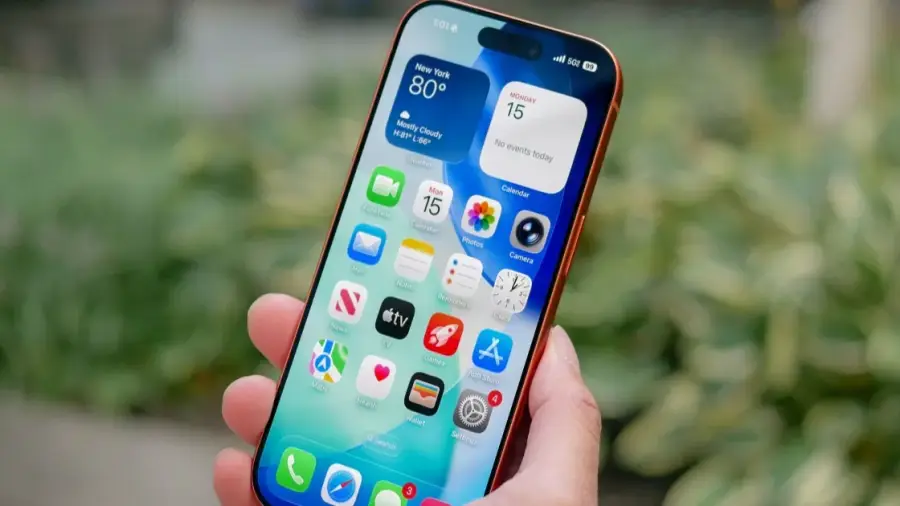
In today's digital age, ensuring your privacy on devices like the iPhone is more critical than ever. As users become increasingly aware of the importance of safeguarding personal information, auditing your settings can lead to a more secure experience. Here are seven essential privacy settings recommended for all iPhone users.
Adjust Notification Previews
One of the simplest yet effective privacy adjustments involves your notification previews. By default, your iPhone may show notifications like text messages or banking alerts on the lock screen, which can be easily seen by anyone nearby. To change this setting:
- Go to Settings > Notifications > Show Previews.
- Select 'When Unlocked' to ensure Face ID verifies your identity first.
This small change can significantly enhance your privacy, especially if you often leave your phone face-up in public spaces.
Require Face ID for Sensitive Apps
Apple has introduced features that allow users to require Face ID before accessing sensitive applications. This applies not only to banking apps but also to Notes, Photos, and other applications containing private information. To enable this feature:
- Long press the app icon on your Home Screen.
- Select 'Require Face ID.'
It's advisable to lock applications like Notes and Photos, as they are frequently accessed by others.
Review Location Access Settings
Many users may not realize that some apps have broader location access than necessary. Limiting this access can help protect your privacy. To adjust these settings:
- Navigate to Settings > Privacy & Security > Location Services.
- Change the access to 'While Using the App' for apps that don't need continuous location data.
Regularly reviewing these permissions is essential, as it’s easy to forget which apps have been granted access.
Utilize Security Checkup Tool
Apple includes a lesser-known feature called the Security Checkup, designed to quickly revoke shared access in unsafe situations. This tool is also useful for reviewing who can see your location, shared photos, and other permissions. To access it:
- Open Settings > Privacy & Security > Security Checkup.
Even if you never find yourself in an emergency, this tool can help you understand what information you’re inadvertently sharing.
Manage Camera and Microphone Access
It’s crucial to manage which apps have access to your camera and microphone, especially for those you haven’t used in a while. To audit these permissions:
- Go to Settings > Privacy & Security.
You'll likely be surprised at how many apps still have permissions that you may want to revoke.
Hide Sensitive Apps
If you have applications that contain sensitive information, you can completely hide them from your Home Screen. This feature is especially useful if you lend your device to others. To hide apps:
- Long press the app icon, select 'Require Face ID,' and then choose 'Hide and Require Face ID.'
This will move the app to a hidden folder in the App Library, adding an extra layer of security.
Check App Privacy Reports
The App Privacy Reports feature provides insights into how often apps access your location, camera, microphone, and network connections. To enable this feature:
- Visit Settings > Privacy & Security > App Privacy Reports.
Regularly checking this report can help you identify apps that may be overreaching their permissions.
In conclusion, while these suggestions from ChatGPT are solid, there are additional features like Theft Protection and disabling Control Center access from the lock screen that can further enhance your privacy. Regularly reviewing and updating your privacy settings is essential to keep your information secure. Taking just 15 minutes to check your settings can significantly improve your device's security.
Source: https://telset.id/how-to/chatgpt-beri-7-tips-privasi-iphone-yang-jarang-diketahui