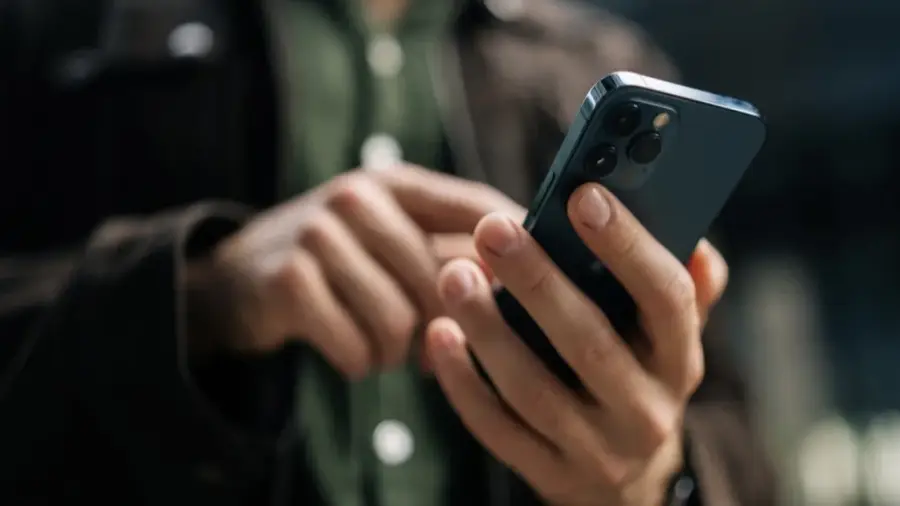
Many users of the iPhone 17 Pro Max running iOS 26 have reported a peculiar issue with the screen brightness controls. This bug causes the brightness adjustment to respond slowly and feel unresponsive, especially in dimly lit environments.
Understanding the Brightness Bug
This issue was first noted with the introduction of iOS 26. Users have found that when they access the Control Center and lower the brightness using the slider, the changes do not occur immediately. Instead, the brightness levels seem to adjust gradually, rather than smoothly transitioning.
Moreover, when the slider is set to the lowest level, the display remains brighter than expected, which can be quite bothersome in dark rooms. This situation raises questions about whether it's a software glitch or a hardware flaw.
Symptoms and Diagnostics
The primary symptom of this bug is the delayed response when attempting to dim the screen. Unlike the usual instant feedback on iPhones, users witness a staggered change in brightness levels. This problem appears intermittently, making it challenging to determine if it's a software or hardware issue.
Fortunately, this bug does not indicate a hardware malfunction. An iPhone 17 Pro user discovered an unexpected solution while browsing a forum on Reddit. This fix involves a feature that seems unrelated to display settings altogether.
A Surprising Solution
If you are facing a similar issue, there's no need to panic. There is a simple workaround to address it without having to replace your device or wait for the next iOS update.
The surprising solution is to activate the Dictation feature on your iPhone's keyboard. While this may sound illogical since dictation doesn't directly relate to screen brightness, users have found it to be effective.
To implement this fix, open any app that brings up the keyboard, such as Spotlight. Then, tap the Dictation button. Instantly, your iPhone's display will dim to a darker setting. Following this, the brightness adjustments in the Control Center should return to functioning normally and responsively.
Why This Works
The underlying mechanism of this solution remains unclear. However, it is hypothesized that enabling Dictation alleviates some burden on the display settings that may be malfunctioning. Activating the microphone or the dictation process is thought to restore brightness control to its normal state.
Interestingly, discussions about this workaround on Reddit date back to January 2026. As of now, Apple has not released an official patch for the brightness bug. The latest iOS version available is 26.5.2, and the issue persists.
Future Updates and Conclusion
It remains uncertain whether Apple will include a fix in the upcoming iOS 27. Users who have tried the beta version of iOS 27 might have additional insights, but no official confirmation has been made at this time.
For those with an iPhone 17 Pro or 17 Pro Max experiencing similar troubles, this workaround can serve as a temporary relief. Although unconventional, this method has proven effective and can be utilized whenever the bug arises.
In conclusion, the brightness bug in iOS 26 is indeed inconvenient, but the solution is straightforward. Just activate Dictation, and the problem is resolved. Until Apple releases an official update, this trick is the best way to restore comfort to your iPhone usage.
Source: https://telset.id/how-to/cara-mengatasi-bug-brightness-ios-26-di-iphone-17-pro-max