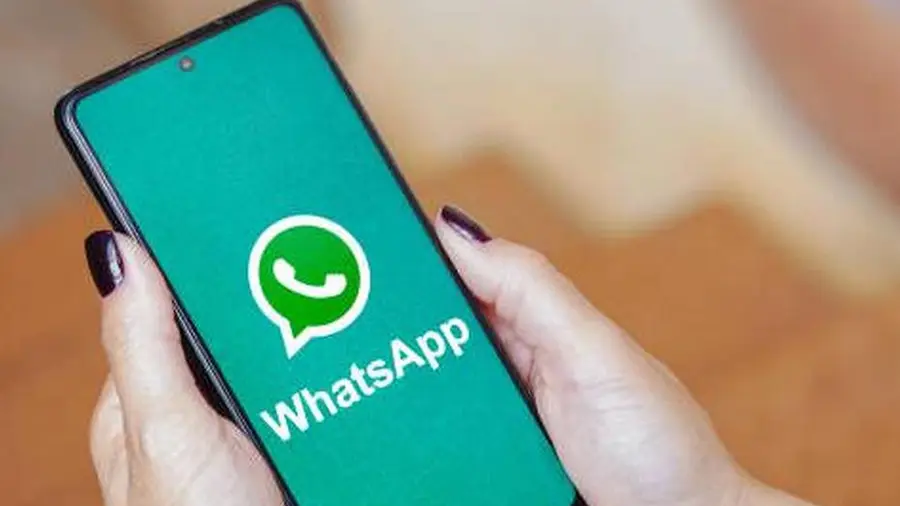
As WhatsApp continues to evolve, users of older Android devices need to prepare for significant changes. Starting September 8, 2026, the popular messaging app will cease support for devices running on outdated versions of the Android operating system. This decision affects those still using Android 5.0 or 5.1, as WhatsApp will only function on devices with Android 6.0 Marshmallow or newer.
What This Means for Users
This change was officially announced on the WhatsApp Help Center, which noted that the company periodically discontinues support for older operating systems to enhance features and security. As technology progresses, maintaining compatibility with outdated software becomes increasingly challenging.
Identifying Affected Devices
WhatsApp has not released a specific list of affected devices based on brand or model. Instead, the determining factor is the Android version installed on each device. Many older phones may be at risk if they remain stuck on Android 5.x and cannot be updated to Android 6 or later.
- Check your Android version through the system settings.
- Look for options related to System Update to see if an upgrade is available.
- Be aware that some models may receive different Android versions depending on the variant or country.
Therefore, users should verify their current Android version rather than solely relying on their device model.
Preparing for the Transition
If your device is running Android 5.0 or 5.1, it is crucial to check for available updates. Navigate to your system settings and look for the Software Update section. If no updates are available, your device may soon be incompatible with WhatsApp.
For those still on older Android versions, the first step is to assess whether a system update to Android 6 or newer is offered by the manufacturer. If available, users should update their devices promptly.
Backing Up Your Data
Before transitioning to a new device, it's essential to back up your WhatsApp conversations. To do this, go to WhatsApp > Settings > Chats > Chat Backup, and follow the prompts for backup. If your device cannot be updated to a compatible version, it may be time to consider upgrading to a newer Android device.
Installing an older version of the WhatsApp APK is not recommended, as outdated applications lack the latest updates and may pose security and compatibility risks.
Implications for iPhone Users
Interestingly, iPhone users will not be affected by this change, as WhatsApp's operating system requirements for iOS are managed separately. Therefore, if you are using an older Android device, it is advisable to check your system's Android version immediately. If you find yourself on Android 5.x without the option to upgrade to a newer version, it may be time to back up your chats and prepare for a device upgrade.
Source: https://inet.detik.com/consumer/d-8649939/daftar-hp-yang-tak-bisa-pakai-whatsapp-mulai-8-september-2026