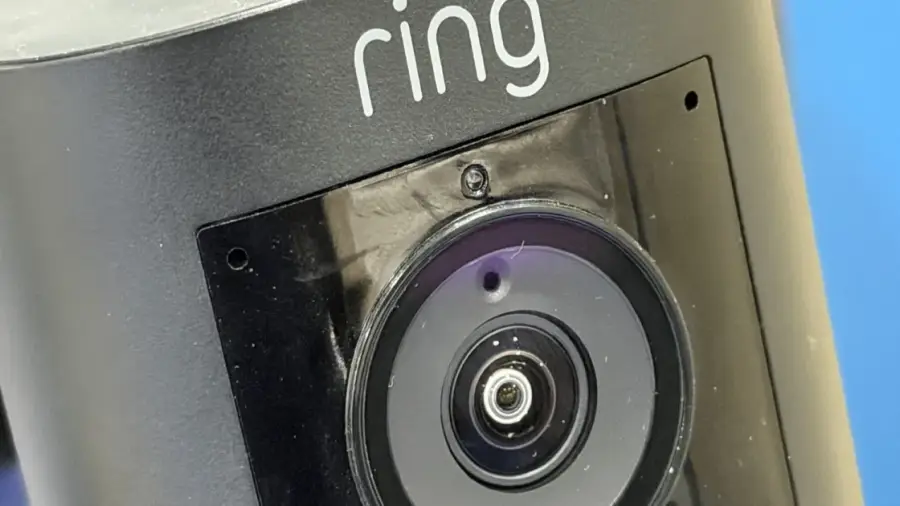
Television watching can be interrupted by the sound of your doorbell. Fortunately, connecting your Ring Doorbell to your smart TV can eliminate the need to reach for your phone to see who's at the door. This integration allows you to view your front porch in real time without pausing your show.
Setting up this connection is simpler than you might expect, though compatibility largely depends on the type of TV you own. Amazon Fire TV offers the smoothest integration since Ring is part of the Amazon ecosystem. However, other TV brands can achieve similar functionality with a few additional steps.
Best Integration with Amazon Fire TV
As Ring is owned by Amazon, the best integration is found within Amazon's ecosystem. Various screens support this connection natively, starting with smart displays like the Echo Show series. This also extends to the Fire TV family, including Fire TV Stick and Fire TV Cube.
If you have a compatible device, you can also watch live feeds through the Ring app on iOS and Android. Additionally, Samsung Smart TVs released in 2022 and later support Ring integration via SmartThings.
What if You Don’t Have Fire TV or Samsung?
For those without either Fire TV or Samsung TVs, there are alternative solutions. The optimal integration between the Ring Doorbell and smart TVs is found in models running on Amazon Fire OS. Brands like Panasonic, TCL, Hisense, Toshiba, and Insignia also support this feature. In these cases, the Fire TV operating system connects directly to your Ring account through the Alexa app.
For Samsung Smart TVs, which operate on Tizen OS, models from 2022 onward come with a built-in SmartThings hub, allowing for Ring connectivity.
Steps to Set Up Your Connection
If you have a Fire TV or a compatible Samsung TV, setting up the Ring integration is straightforward. Here’s how to do it:
- For Fire TV, ensure the Fire TV Stick or Cube is connected to your HDMI port.
- Follow the steps in the Alexa app to link your Ring account.
- Once connected, picture-in-picture notifications will automatically appear when someone rings your doorbell.
For Samsung SmartThings, additional steps are required:
- Open the SmartThings app and add your Ring Doorbell.
- Enable notifications for motion detection or doorbell presses.
With this setup, you’ll receive alerts on your Samsung TV, allowing you to stay focused on your programming without checking your phone.
Using Screen Mirroring as an Alternative
If your TV isn't compatible with the above options, screen mirroring is a viable alternative. Simply open the Ring app on your smartphone and mirror the screen to your TV. However, be aware that this method may not be as efficient. The primary goal of these integrations is to quickly view who is at your door when the doorbell rings.
Despite its limitations, screen mirroring remains a practical solution for users whose TVs do not support native integration. As screen sharing technology continues to evolve, more options are becoming available.
The Benefits of Integration
Integrating your Ring Doorbell with your smart TV provides a more convenient home security experience. You can respond promptly to guests or deliveries without pausing your show or searching for your phone. This feature is particularly beneficial for families who enjoy watching TV together, as everyone can easily see who is at the door without scrambling for a device.
For those seeking a comprehensive home security solution, the Ring Doorbell is an excellent option. With support for various TV platforms, users enjoy the flexibility of choosing compatible devices. Before purchasing a Ring Doorbell, ensure your TV is compatible with the supported ecosystem. If you have a Fire TV, the setup process is seamless. For Samsung TVs, make sure you have a model from 2022 or newer.
If you own another brand of TV, consider investing in a Fire TV Stick or Fire TV Cube. These devices provide access to Ring Doorbell features without needing to replace your existing TV. This investment is well worth the ease it brings.
Additionally, ensure that your home internet connection is stable to support real-time video streaming. A slow connection may lead to delays or poor video quality when notifications appear.
Connecting your Ring Doorbell to your smart TV is a practical solution for enhancing home security. By following the steps outlined above, you can enjoy live video notifications on a larger screen without interruptions. The best options for native integration are through Fire TV or Samsung SmartThings, but screen mirroring remains a feasible alternative. Make sure your devices are compatible before starting the setup process.
With this integration, you’ll never miss important guests or packages while watching TV. The Ring Doorbell offers peace of mind with user-friendly technology.
Source: https://telset.id/how-to/cara-mudah-hubungkan-ring-doorbell-ke-smart-tv