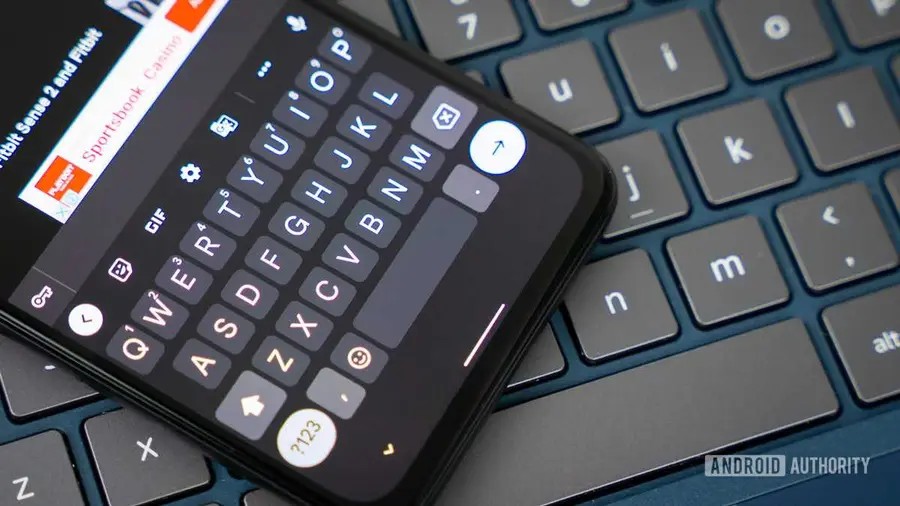
Google's Gboard is reportedly working on a new feature aimed at enhancing user experience by allowing greater control over the automatic spacing that follows word suggestions. While this feature may seem minor, it has the potential to significantly benefit a wide range of users.
Understanding the Current Functionality
Currently, Gboard automatically adds a space after a user selects a word from the autocorrect suggestions bar. This functionality is generally useful for users who are composing sentences. However, it can create frustration when users need to insert punctuation or when they want to attach another word directly to the selected suggestion.
Introducing Customization
In recent explorations of the Gboard app, a new feature named ‘Auto-space after suggestions’ has been discovered within the app's Corrections & Suggestions settings. This toggle allows users to choose whether Gboard should automatically insert a space after selecting a word from the suggestions. This new option aims to provide users with more control over their typing experience.
How It Works
Initial tests of the toggle have shown that it functions as intended. When the toggle is turned off, Gboard refrains from adding any spaces automatically. Conversely, keeping it enabled allows the keyboard to maintain its current behavior, which will be familiar to long-time users.
Future Availability
Currently, this feature is not yet publicly available, and there is no confirmation that Google will officially roll it out. However, given the desire for customization among users, it seems likely that this feature could be included in future updates. This enhancement would be particularly welcomed by users who find the automatic spacing to be more of a hindrance than a help.
Overall, while the new toggle may appear to be a small change, it represents Google's ongoing commitment to making Gboard a more user-friendly tool for everyone. As they continue to refine the app, users can look forward to more personalized features that cater to their typing preferences.
Source: https://www.androidauthority.com/gboard-spaces-after-autocorrect-suggestions-apk-teardown-3689011/