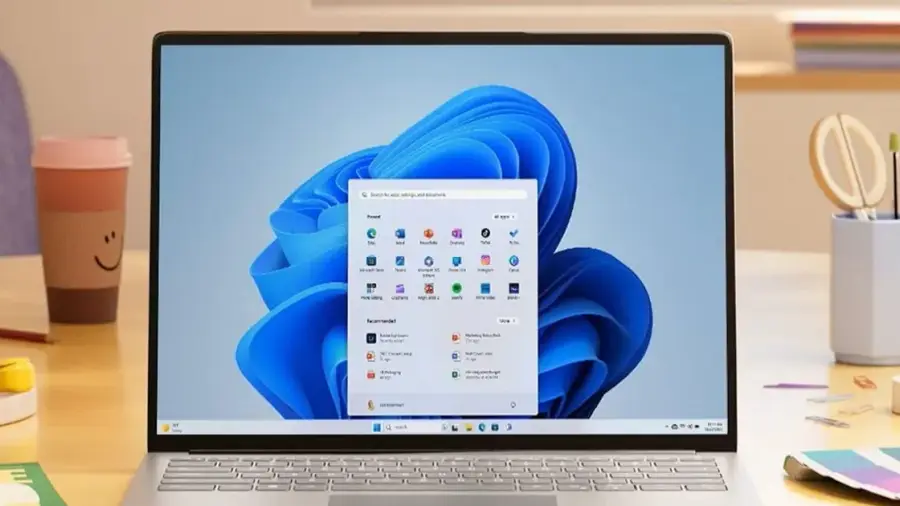
In today's digital landscape, searching for Windows utilities on Google and clicking the first result can pose significant risks. A vast network of counterfeit websites masquerading as popular applications has been discovered, endangering users' personal data. Over 70 domains have been identified as fakes that imitate well-known Windows applications such as Microsoft PowerToys, CrystalDiskMark, EasyBCD, Wintoys, Lively Wallpaper, and SignalRGB.
Understanding the Threat of Fake Applications
According to reports from Windows Latest, many of these fraudulent sites rank higher than the genuine projects in Google search results, despite having no affiliation with the actual developers. Alarmingly, some of these sites even link their download buttons to the legitimate Microsoft Store, potentially forming a trust-building strategy before executing malicious actions.
How the Scam Was Uncovered
The fraudulent operations came to light when developers behind Wintoys discovered the unofficial site “wintoys.app.” This site employed an outdated logo and utilized generic AI-generated content. Further investigation revealed a total of 72 similar addresses, all registered through the same company.
Deceptive Strategies Used by Fraudsters
Security researchers from Check Point documented a broader ecosystem with highly deceptive tactics. Initially, these counterfeit sites may link to legitimate software, attracting visitors and improving their search rankings. However, JavaScript can intercept clicks and redirect selected users through a Traffic Distribution System that alters destinations based on location, browser type, VPN use, and whether visitors resemble security researchers.
The Risks of Downloading from Fake Sites
Some visitors end up with legitimate or unwanted software, while others face malware threats, such as RemusStealer, which targets browser data, password managers, cryptocurrency wallets, and authentication tools. Check Point has identified over 100 active sites utilizing related routing scripts and more than 5,000 VirusTotal submissions linked to this campaign.
Several cloned applications have already begun spreading malware. For instance, the fake Lively Wallpaper site distributed a hijacked installer containing harmful DLLs, persistent remote access services, and bandwidth-sharing software. The legitimate developers of this application confirmed that the domain had no ties to their project.
SignalRGB has also raised alarms about two counterfeit domains prominently appearing in search results. Anyone downloading installers from these sites is advised to uninstall them immediately and run a comprehensive malware scan.
Staying Safe from Scams
The best way to avoid such threats is to stick to the Microsoft Store or verified developer websites, including GitHub pages. Always verify the domain before downloading, ensure that the installer has a valid digital signature, and never assume that the top Google result is the official one.
This alarming presence of fake sites highlights the necessity for digital vigilance. As scam tactics become increasingly sophisticated, users must exercise caution with every download. The security of personal data relies on simple yet crucial habits: always verify the source before clicking that download button.
Source: https://telset.id/how-to/waspada-72-situs-palsu-aplikasi-windows-incar-data-pengguna