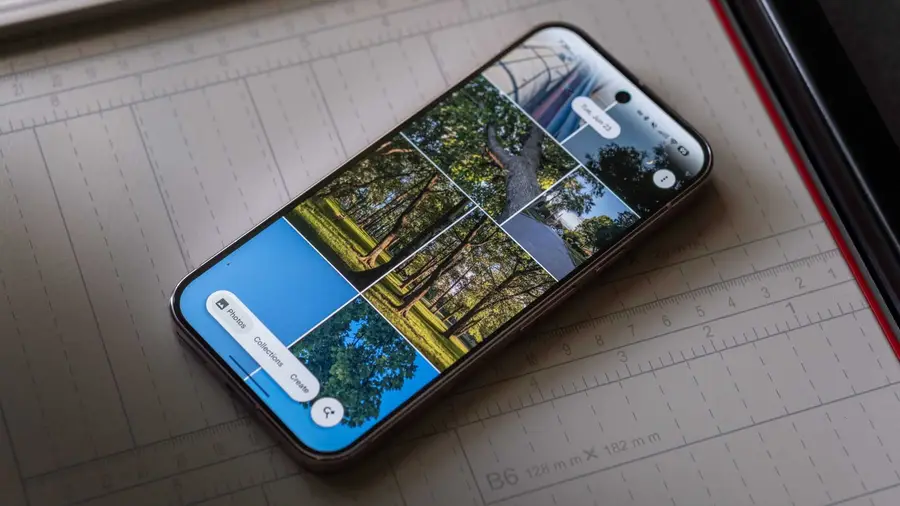
Google Photos is preparing to introduce significant improvements to its text copying capabilities. Following recent updates, including a potential feature for editing image metadata, the app is now focusing on refining how users can select and copy text from images. This article explores these upcoming enhancements.
New Text Selection Tool
In version 7.84 of the Google Photos app, a new built-in text selection tool is being developed. Previously, users had to rely on existing methods to copy text from images, such as accessing image details by swiping up or using Google Lens through the three-dot menu. The new feature aims to simplify this process.
How It Works
With the updated tool, users will notice a new icon appearing in the bottom right corner of the screen when text is detected in an image. Tapping this icon will initiate a scan of the text, highlighting it for easy copying. A convenient “Copy All” button will then be available at the bottom of the screen, allowing users to copy the entire text with a single tap. Additionally, for those who wish to select specific portions of the text, a long-press option will enable this functionality.
Material 3 Expressive Design Expansions
Alongside the text copying enhancements, Google is also extending its Material 3 Expressive design language to more sections of the app. Earlier this year, the Backup page received a refresh, and now the Settings and Preferences pages are also being updated. Users will notice that each option is now more visually appealing, as they are enclosed in containers, which helps in distinguishing different sections.
Future Updates Expected
While the new design improvements are a welcome change, it appears that other areas of the app, such as Sharing, Apps & devices, and Notifications, have not yet received updates. However, users can anticipate that Google will address these sections in future releases, further enhancing the overall user experience.
As these updates roll out, Google Photos users can look forward to a more efficient way to interact with text in their images, streamlining their workflow and improving usability.
Source: https://www.androidauthority.com/google-photos-new-text-copy-method-3690236/