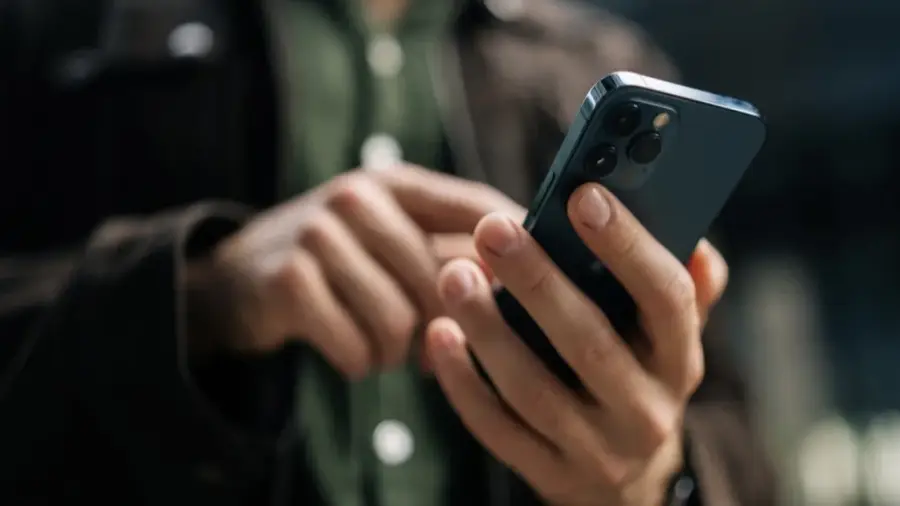
The iPhone 17 Pro Max users running iOS 26 may encounter a peculiar issue with their screen brightness controls. This bug causes the brightness adjustments to be sluggish and unresponsive, particularly in dimly lit environments.
Understanding the Brightness Bug
This problem was first identified with the release of iOS 26. Many users have reported that when they access the Control Center and attempt to lower the brightness, the changes are not immediate. Instead, each brightness level adjusts slowly, creating a disjointed experience rather than a smooth transition.
What's even more frustrating is that when the slider is set to the minimum, the screen may still appear excessively bright in low-light settings. This situation has led users to speculate whether the issue stems from software bugs or hardware defects.
Identifying Key Symptoms
The primary symptom of this bug is the noticeable delay in response when lowering the screen brightness. Unlike the typical instant adjustments that iPhone users expect, the changes occur gradually. This intermittent issue complicates the diagnosis of whether it is a software or hardware problem.
A Surprising Solution
Fortunately, this bug is not tied to hardware failure. An iPhone 17 Pro user discovered an unexpected workaround through a discussion on Reddit. This solution involves a feature seemingly unrelated to display settings.
If you're facing a similar brightness issue, there's no need to panic. A simple method can help rectify the problem without requiring a device replacement or waiting for the next iOS update.
How to Implement the Fix
The fix is surprisingly straightforward: activate the Dictation feature on your iPhone’s keyboard. While this may sound illogical since dictation is not directly connected to brightness control, many users have found this method effective.
To perform the fix, open an app that brings up the keyboard, such as Spotlight. Then, press the Dictation button. Instantly, your iPhone’s screen should dim to a more appropriate level. After this step, brightness adjustments through the Control Center should return to normal functionality.
The exact reason behind this solution remains unclear, but it seems that activating Dictation alleviates the strain on the display settings that may be causing the glitch. The activation of the microphone or the dictation process is believed to restore brightness control to its regular state.
Current Status and Future Updates
Interestingly, the Reddit reports regarding this workaround have been circulating since January 2026, indicating that Apple has not yet released an official patch to address this bug as of now. The latest available version of iOS is 26.5.2, and unfortunately, the bug persists.
It’s uncertain whether Apple will include a fix for this issue in the upcoming iOS 27. Users testing the iOS 27 beta may provide further insights, but no official confirmation has been made at this time.
For those using the iPhone 17 Pro or 17 Pro Max experiencing this brightness problem, this workaround can serve as a temporary relief. Although unconventional, this method has proven successful and can be employed whenever the bug arises.
In summary, while the brightness bug in iOS 26 can be bothersome, the solution is simple. Just activate Dictation, and the issue will be resolved. Until Apple releases an official update, this trick is the best way to restore your iPhone experience to normal.
Source: https://telset.id/how-to/cara-mengatasi-bug-brightness-ios-26-di-iphone-17-pro-max