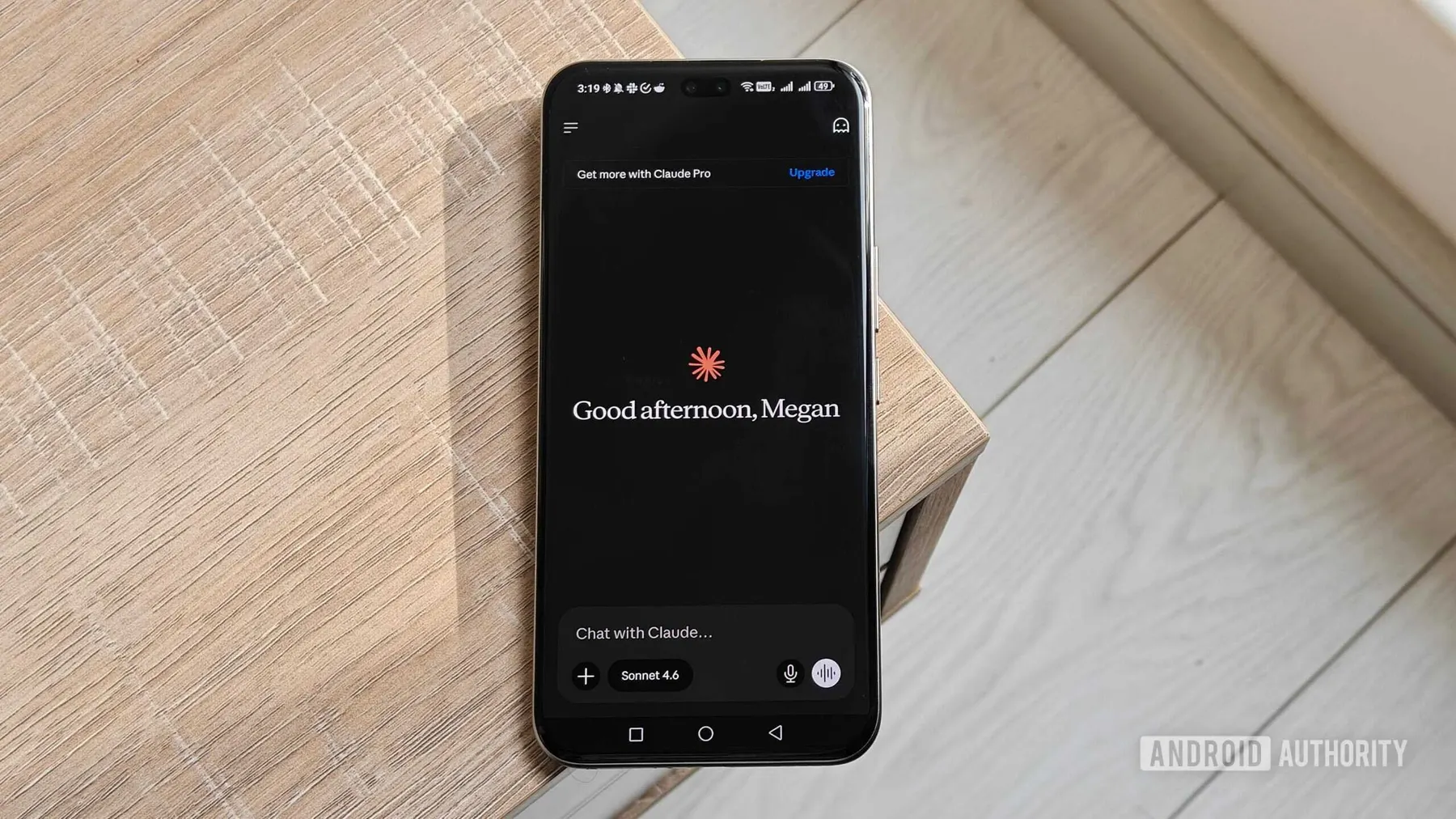
In the evolving landscape of artificial intelligence, teaching AI to emulate human workflows has proven challenging. Despite our best efforts to communicate how tasks should be accomplished through repeated explanations or detailed prompts, there remains a significant risk that the AI might overlook key steps or misinterpret instructions. This scenario is akin to onboarding a new team member who struggles to grasp the established processes.
Introducing the Teach Claude a Skill Feature
Anthropic's latest innovation aims to tackle this issue with the introduction of a feature in Claude Cowork called "Teach Claude a skill." This functionality allows users to forgo lengthy text instructions and instead demonstrate tasks directly. By recording your screen while explaining the steps you take, Claude learns the process in real-time and can replicate it later as a reusable skill.
How It Works
Imagine being able to show Claude how to manage invoice organization in a spreadsheet, rename multiple image files in one go, prepare a weekly sales report, or update a project management tracker. After you’ve provided a demonstration, there’s no need to revisit each step in detail when you want Claude to perform the task again. The AI can simply execute the workflow based on your initial recording, making it a far more reliable assistant than just asking it to "do it like last time."
A Step Towards AI Collaboration
With this update, Anthropic is positioning Claude Cowork as more than just an AI tool; it’s evolving into a digital colleague that can adapt to your work style. The feature is currently being rolled out to subscribers of Claude Pro, Max, and Team plans. As a Pro plan user myself, I can confirm that it’s already available in my account.
Getting Started with Claude's New Feature
If you have access to this feature, simply open Claude on your laptop, navigate to the Cowork section, and click the + button in the chat box. From the drop-down menu, select "Record a Skill" under the Add files or photos option. Once you start recording, guide Claude through your task. This could be one of the most beneficial upgrades for anyone who has repetitive workflows.
As we continue to explore the capabilities of AI in the workplace, features like these highlight the potential for enhanced productivity and collaboration. With Claude learning from our workflows, the future of AI as a helpful digital coworker seems promising.
Source: https://www.androidauthority.com/claude-cowork-record-skills-feature-3689919/