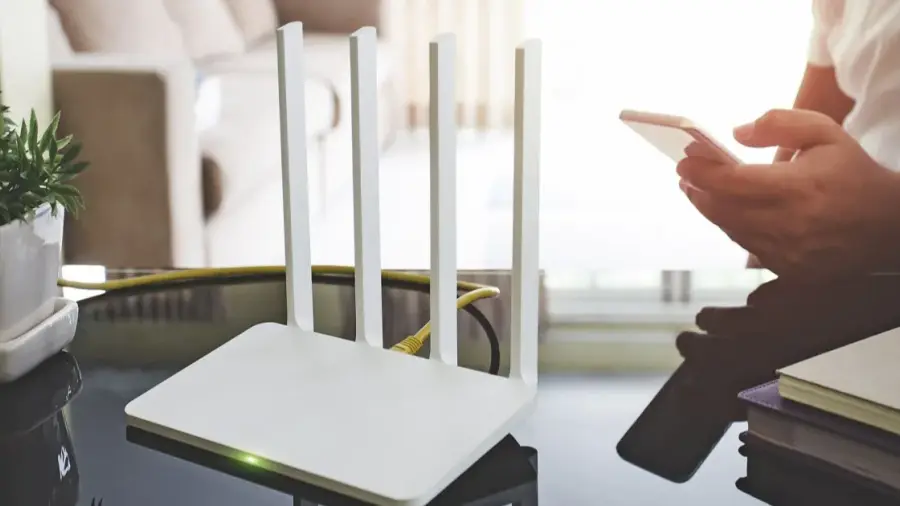
Extreme heat can bring more than just discomfort; it can disrupt your home internet connection as well. High temperatures can cause routers to overheat, leading to performance issues or even complete failure. This is a common problem during heat waves, and many users mistakenly blame their internet service provider instead of considering simple errors in router placement and maintenance.
Router Placement Matters
Many people think placing their router near a window will improve signal strength. However, in hot weather, this can be detrimental. Direct sunlight can quickly heat up the router, causing it to function poorly. Instead, it's advisable to place your router in a cooler area of your home, ideally centrally located, to ensure a better signal coverage.
Ensure Proper Airflow
Some users hide their routers in cabinets, behind sofas, or on carpeted floors to keep their living spaces tidy. While this might be aesthetically pleasing, it can hinder the device’s airflow. Routers generate heat during regular operation, and if they're tucked away, this can trap heat and lead to overheating. Keep the area around your router clear to allow for adequate ventilation, enabling it to operate efficiently.
Avoid Heat Traps
Placing your router near other electronic devices that generate heat, such as game consoles and TVs, can create a local heat trap. This can severely impact router performance, especially during hot weather. Ensure your router has enough space away from other heat-producing electronics to prevent any negative effects on its functionality.
Restarting Isn’t Always the Solution
When your Wi-Fi drops, it’s natural to unplug the router and plug it back in after a short wait. However, doing this repeatedly, especially in hot conditions, can worsen the situation. If the router is too hot to touch, it’s better to turn it off and let it cool down for about 15 minutes before turning it back on. This helps avoid potential damage from overheating.
Manage Your Network Load
During hot weather, if your router is struggling, avoid heavy activities like large downloads or 4K streaming. These tasks can overload the device, causing it to slow down or fail. Disconnect any devices not in use and postpone significant downloads to give your router a break.
Consider Upgrading Your Router
If you’ve tried all these tips and your connection still drops frequently, your aging router might be the issue. Older models may struggle to meet the demands of modern households. Conduct a broadband speed test to assess its performance and consider contacting your provider about potential upgrades if necessary.
Source: https://telset.id/how-to/5-kesalahan-letak-router-saat-cuaca-panas-dan-cara-memperbaikinya