For many LG Smart TV users, watching YouTube has become a frustrating experience. A recent bug affecting the YouTube app has led to unexpected interruptions during video playback, causing viewers to constantly reach for their remotes.
The YouTube Screensaver Bug
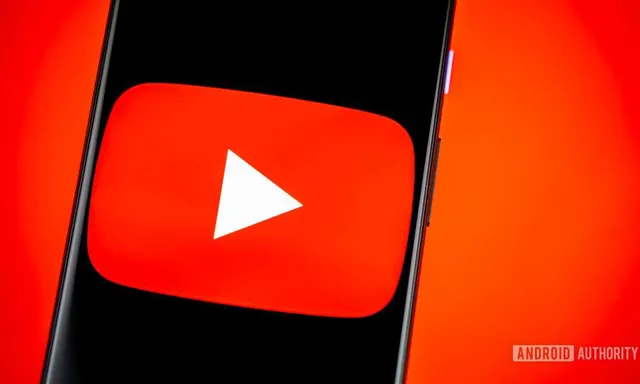
Reports have surfaced indicating that recent updates to the YouTube and YouTube TV applications are triggering the webOS screensaver while videos are still playing. This issue seems particularly prevalent among LG TVs, where the screensaver activates even when the content is being played.
What Triggers the Problem?
According to various users on the YouTube Community, the bug appears to be linked to YouTube version 1.2.15. The screensaver is prompted when videos are not displayed in the conventional 16:9 aspect ratio. This includes formats like Shorts, vertical videos, classic 4:3 uploads, and even wider 2:1 content.
User Experiences and Community Feedback
Many users have taken to Reddit to share their experiences with this issue. They describe the screen going black unexpectedly, followed by the webOS fireworks screensaver appearing, while the audio continues to play without interruption. The problem seems most common among LG CX series and some BX OLED models, but it remains unclear if other webOS TVs are affected.
Potential Workarounds and Solutions
In response to the bug, some users have reported a workaround suggested by LG support. This involves completely powering off the TV, unplugging it, and then holding down the physical power button for 30 seconds before plugging it back in. While this method has resolved the issue for some, others have found no improvement.
Despite LG releasing newer versions of the YouTube and YouTube TV apps—YouTube v1.2.16 and YouTube TV v1.1.13—there are no release notes available to clarify whether the updates address this specific bug. Users continue to report issues, leaving the effectiveness of the updates in question.
Uncertainty Surrounding the Bug
Without an official acknowledgment from LG or Google, the exact nature of the problem remains uncertain. It is unclear whether this is a webOS issue, a regression in the app itself, or a compatibility problem between the two. As the community continues to seek answers, LG's response is eagerly awaited.
Source: https://www.androidauthority.com/lg-youtube-tv-bug-3692901/