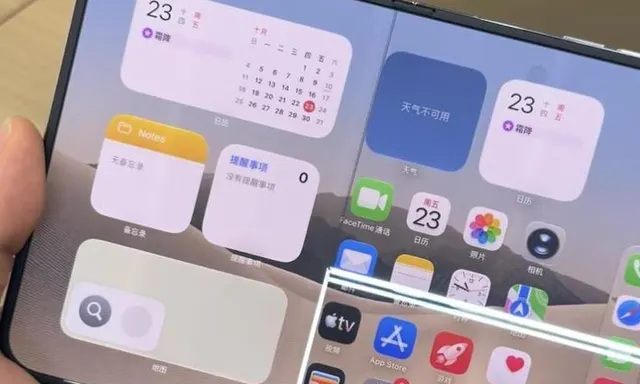
When you first unwrap a new smartphone, it often feels incredibly responsive. Opening apps and navigating through menus happens seamlessly, with no noticeable delays. However, as time passes, many users experience a significant drop in performance, leading to frustrations.
Understanding Initial Performance
The initial speed of a smartphone can be attributed to its fresh software and minimal background processes. Activities like launching the camera, switching between applications, and browsing menus are executed smoothly. But over time, this performance can diminish, often leaving users puzzled.
Common Signs of Slowing
Users often notice slower app launches, delayed image processing, and lag when typing on the keyboard. These issues can disrupt daily activities and hinder productivity, making it essential to understand the underlying causes of this slowdown.
Factors Contributing to Slow Performance
- Increased System Demands: Over time, operating systems and applications receive updates that introduce new features and visual enhancements. These updates typically require more processing power and memory, which can overwhelm older hardware.
- Background Processes: Many users unknowingly install dozens of applications, leading to increased background activity. Apps like social media and messaging platforms can consume memory and resources even when not actively in use, further straining the device.
- Storage Limitations: As users accumulate photos, videos, and app data, the internal storage can fill up. When storage is nearly full, the operating system has less space for temporary files and cache, resulting in slower performance as the device struggles to manage its resources.
Maintaining Your Smartphone's Performance
To keep your smartphone running smoothly, regular maintenance is necessary. Here are some practical tips to help mitigate performance issues:
- Manage Your Storage: Regularly delete unused applications, clear cache data, and transfer photos and videos to cloud storage or external devices.
- Free Up Space: Aim to keep at least 10-15% of your internal storage free to ensure optimal system performance.
- Update Wisely: Be cautious with app updates; sometimes, sticking to older versions can help maintain speed if the new features are unnecessary.
- Restart Regularly: Periodically restarting your device can help clear temporary files and refresh system performance.
By implementing these tips, users can help prolong their smartphone's performance and enhance their overall experience. Being proactive about device maintenance can prevent the common issues associated with slowing down over time.
Source: https://tekno.kompas.com/read/2026/02/04/14030027/kenapa-hp-terasa-kencang-di-awal-tapi-lemot-setahun-kemudian