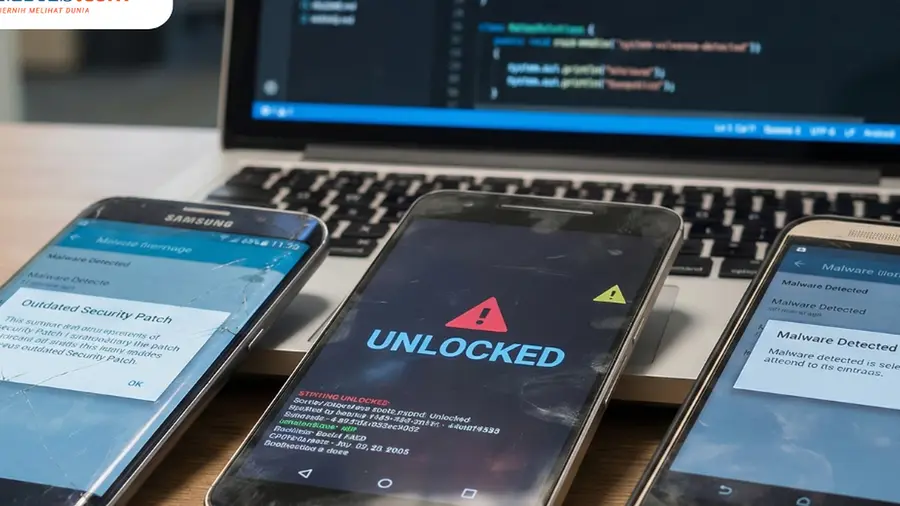
Google has released its June 2026 security bulletin for Android, which addresses a critical security vulnerability that has already been exploited in real-world attacks. This vulnerability, identified as CVE-2025-48595, falls under the zero-day category, meaning it has been exploited before a fix was made available.
Impact on Supported Android Versions
This vulnerability affects all currently supported Android versions, including Android 14, Android 15, Android 16, and Android 16 QPR2. Users of these versions are strongly urged to update their devices as soon as possible.
Understanding the Vulnerability
CVE-2025-48595 is categorized as a high-severity risk found within the Android Framework. Specifically, it is an elevation of privilege vulnerability, which allows an attacker to gain elevated access rights on the device, potentially leading to complete control.
Reports indicate that this vulnerability can be exploited by local users who do not even need to be authenticated. Attackers can execute malicious code through an integer overflow vulnerability, subsequently elevating their access to the system.
Potential Risks
Once an attacker gains access, they could read sensitive data, modify files, and disrupt device functionality. Alarmingly, Google has confirmed that exploiting this vulnerability does not require any interaction from the user, meaning devices could be compromised without any action required from the victim.
Importance of Updating Your Device
Although Google states that the exploitation of this vulnerability has been limited and targeted so far, they have not provided details about the extent of the attacks or their specific targets. The identities of the attackers and their methods also remain undisclosed.
Given that this vulnerability does not require authentication or user interaction and has been used in actual attacks, it is crucial for users to install the security updates from Google as soon as they become available for their devices. Protection against CVE-2025-48595 can be found in the security patch level dated 2026-06-05, so ensure your device is updated to at least this level.
How to Check for Security Updates
To verify the security update status on your Android device, follow these steps:
- Go to the settings menu on your device.
- Look for the section labeled "About phone" or "System updates."
- Check your device's security patch level.
- If your patch level is below 2026-06-05, periodically check for available updates and install them as soon as they are available.
Stay informed about the latest technology and gadget news by joining our WhatsApp channel for daily updates.
Source: https://tekno.kompas.com/read/2026/06/15/17350077/pengguna-android-14-15-dan-16-diminta-segera-update