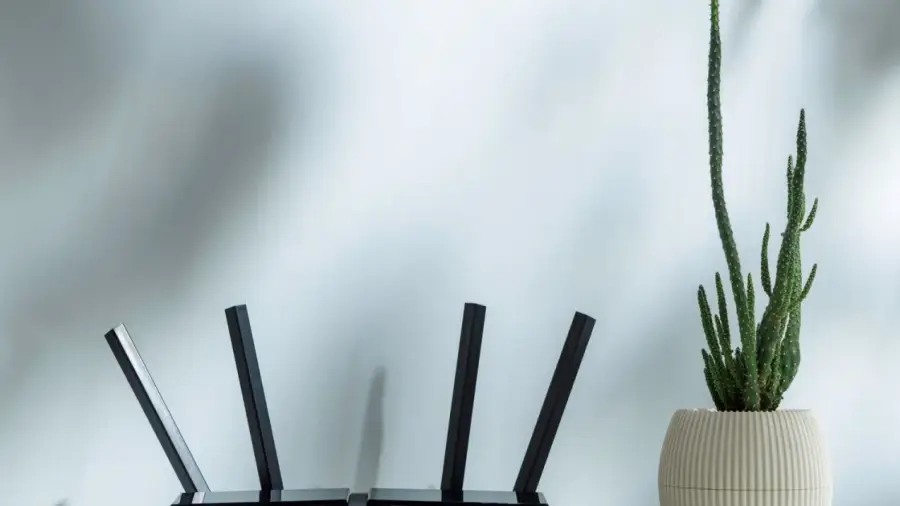
Telset.id – Incorrect antenna positioning on your router can lead to weak Wi-Fi signals and dead zones in your home. Many users set up their routers without considering antenna direction, yet simple adjustments can greatly improve coverage.
Understanding Antenna Orientation
According to a report by SlashGear in July 2026, the way you position your router's antennas depends on your home's layout. Most router antennas are omnidirectional, which means they emit signals in all directions at once. The strongest signals are perpendicular to the antenna rather than parallel. Hence, vertical antennas pointing upwards emit horizontal signals, effectively covering the floor where the router is located, while horizontal antennas send signals up and down, which is beneficial for multi-story homes.
Frequency Bands and Their Effects
Modern dual-band routers broadcast on two frequencies simultaneously. The 2.4 GHz frequency provides slower speeds but better range and wall penetration. In contrast, the 5 GHz frequency offers faster speeds but is more susceptible to physical obstructions and covers a smaller area. The latest tri-band routers also include a 6 GHz frequency, which significantly boosts speed with minimal interference, although it does not reach as far as the 2.4 GHz or 5 GHz frequencies and struggles to penetrate solid walls.
Positioning Antennas for Different Home Types
If you reside in a single-story home or an apartment, orient all antennas straight up. This vertical positioning allows the signal to radiate horizontally, covering the entire area. For multi-story homes, pointing all antennas upwards may result in inadequate coverage on other floors. A solution recommended by TP-Link is to tilt at least one antenna at around 30 degrees. This slight angle helps distribute the signal both horizontally and vertically.
Router Placement Considerations
It’s impossible to discuss antenna positioning without addressing router placement. Optimal results require both to be correctly set. There are three key factors to consider: how central the location is, how high the router is off the ground, and what nearby items might interfere with the signal.
Your router should be placed centrally within your home. Positioning it against an outside wall means that half of its signal is wasted into open air. Height is also crucial; TP-Link suggests placing the router about 1 to 1.5 feet (approximately 30-45 cm) above the ground to align the signal with most of your devices.
Several common household items should be kept away from the router. Microwaves, aquariums, Bluetooth devices, metal objects, and thick concrete walls can all disrupt Wi-Fi signals. While you can't float your router in the middle of the living room, it’s essential to consider these factors when selecting its location.
Combining careful antenna positioning with strategic router placement will maximize the speed provided by your internet package. Proper setup can diminish signal interference and enhance your browsing, streaming, and remote work experiences.
For more information on device settings, you can check out the latest relevant features. Additionally, learn how to disable certain features on your devices.
Source: https://telset.id/how-to/cara-posisi-antena-router-yang-benar-untuk-sinyal-maksimal