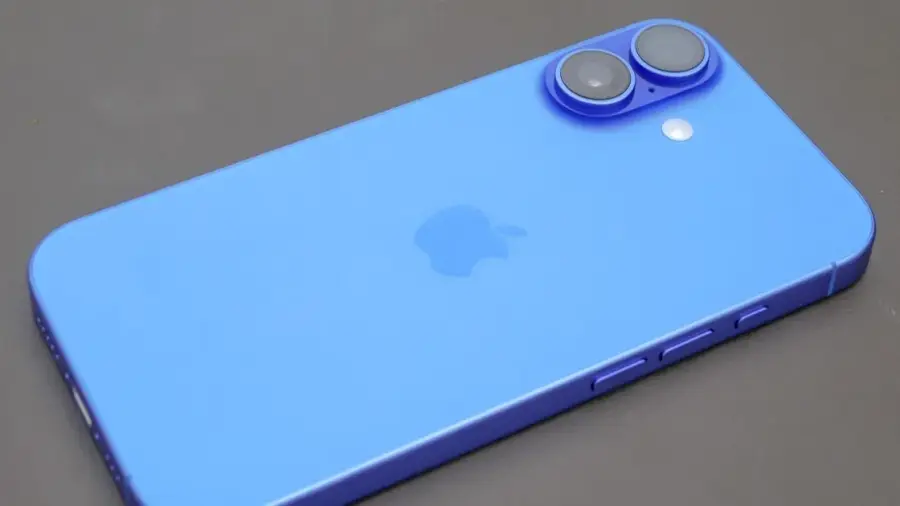
Are you looking to reduce screen time while still needing your phone for essentials like calling, navigation, or banking? An old iPhone running iOS 17 or later could be the perfect solution sitting in your drawer.
What is Assistive Access?
Apple has integrated a feature called Assistive Access within iOS 17. Originally intended as an accessibility tool for users with cognitive disabilities, this feature fundamentally redesigns the iPhone interface into large, simple blocks. Essentially, it turns your iPhone into an ideal distraction-free phone.
How Does Assistive Access Work?
This feature helps eliminate temptations and enhances security. In the standard iOS mode, it's easy to exceed your app usage limits or click on web links sent via text. However, under Assistive Access, web links are rendered as unclickable text, effectively closing off internet access.
Setting Up Assistive Access
To get started, you'll need an iPhone that runs iOS 17 or newer, meaning models like the iPhone XR or later will work well. The setup process is straightforward:
- Open the Settings app.
- Scroll down and select Accessibility.
- Tap on Assistive Access.
- Select Set Up Assistive Access and hit Continue.
Next, you'll choose the applications you want to allow. Click the green plus icon next to the apps you wish to activate, starting with essential ones like Phone, Messages, Maps, and Camera. Then, select your preferred display style. For a distraction-free layout, opt for the Grid option.
Finally, set a unique four-digit passcode to securely lock the phone in this mode, preventing impulsive exits back to the regular iOS.
Benefits of Using Assistive Access
The main advantage of this approach lies within the Apple ecosystem. Assistive Access leverages the security and reliability of iOS without sacrificing important features. Users can still access banking apps, GPS navigation, or make calls, but without the distractions of social media notifications or the urge to browse the internet.
This feature is particularly beneficial for parents who want to provide a safe way for their children to stay connected without exposing them to a phone filled with addictive games. Additionally, many adults seeking an escape from screen addiction will also find value in this tool.
With Assistive Access, there’s no need to purchase special devices or pay for third-party apps. The perfect distraction-free solution is likely already available in the form of an unused old iPhone you have on hand.
Conclusion
Assistive Access is just one of many hidden productivity tools Apple has embedded in iOS. Although it may not be heavily advertised, its functionality is incredibly relevant in an age where the desire to disconnect from digital distractions is growing.
For professionals needing a phone for productivity without interruptions, Assistive Access can be a powerful tool. By limiting access to essential apps, users can concentrate on important tasks without the temptation to check social media or news updates.
Furthermore, this feature offers peace of mind for parents concerned about their children accessing inappropriate content. With Assistive Access, parents can control which apps their kids can use while ensuring they remain reachable via calls or messages.
Overall, Assistive Access exemplifies how Apple designs features that are not only inclusive but also practical for a range of needs. This feature shows that sometimes, the best solutions to modern problems can be found within devices we already own.
Source: https://telset.id/how-to/ubah-iphone-lama-jadi-ponsel-bebas-distraksi-dengan-fitur-tersembunyi-ios-17