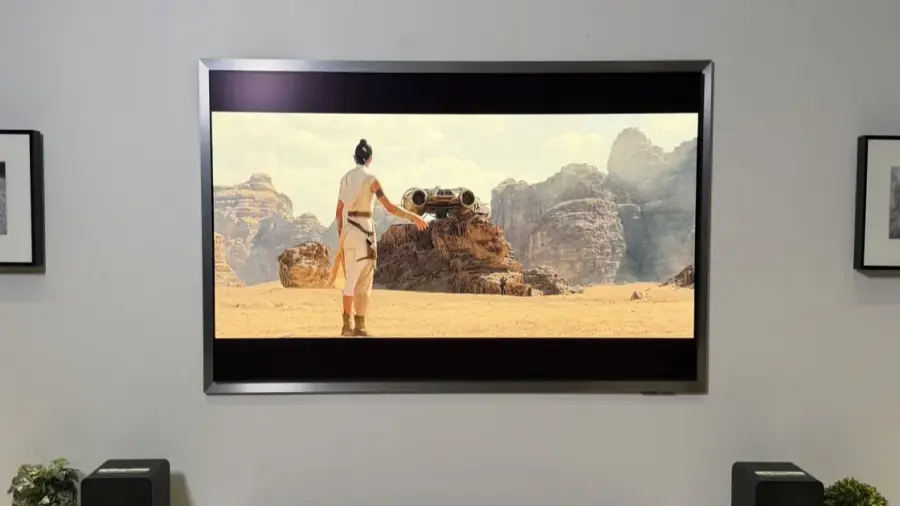
Have you ever been watching your Samsung TV when suddenly the volume increases on its own? If you own a mid-range or high-end Samsung model, don’t worry—this isn’t a malfunction but rather a built-in feature designed for your convenience.
What is Active Voice Amplifier?
This feature, known as Active Voice Amplifier (AVA), automatically detects background noise in your room, such as a vacuum cleaner or blender, and raises the dialog volume to ensure clarity. This technology was first highlighted by a journalist from Tom’s Guide, who noticed the volume of his Samsung TV increased while vacuuming nearby.
How Does AVA Work?
Active Voice Amplifier is part of Samsung's Intelligent Mode, utilizing a special microphone sensor embedded in the TV. This sensor continuously monitors ambient noise levels. When it detects a spike in background sounds, the system adjusts the dialog frequency to keep viewers from missing any dialogue. Once the noise subsides, the volume returns to its normal level.
Which Samsung TVs Have AVA?
It’s important to note that not every Samsung TV is equipped with this feature. AVA, and its enhanced version AVA Pro, are available only on mid-range to high-end models, typically starting from the Q70 series and above. The presence of this feature relies on the specialized microphone that allows the TV to 'hear' and respond to its surroundings. Lower-end models generally lack this hardware.
Privacy Concerns and Disabling AVA
For viewers who often multitask while watching TV, AVA can be quite beneficial. However, it’s crucial to understand that your TV is constantly listening to sounds in your environment. This means that the microphone must remain active to detect sounds like a vacuum cleaner promptly. Some users may find this constant listening a privacy concern.
If you prefer not to have your TV 'listening' all the time, you can easily disable this feature. It’s also worth noting that if you use a standard soundbar or AV receiver, AVA will automatically turn off since the TV cedes audio control to those external devices. However, if you have a Samsung soundbar from the Q-Series that features Q-Symphony, AVA will continue to function as it synchronizes the internal TV speakers with the soundbar.
How to Turn Off Active Voice Amplifier
If AVA is causing disruptions due to unexpected volume changes, turning it off is straightforward. Follow these steps:
- Navigate to your TV's settings.
- Look for the Sound settings.
- Select the Active Voice Amplifier option.
- If the option is grayed out, ensure you are using the TV's internal speakers, as connection to a non-Samsung soundbar will deactivate this feature.
By following these steps, you can regain manual control over your TV's volume settings without interference from AVA. This is ideal for those who prefer a consistent and predictable viewing experience.
Active Voice Amplifier is designed for convenience, but the choice to use it rests with you. Do you find it helpful or distracting? If you experience other issues with your Samsung TV, such as streaming disruptions, always check your device settings for solutions.
Source: https://telset.id/how-to/fitur-samsung-tv-ini-bikin-volume-naik-sendiri-begini-cara-matikan